
Touch POS Machine | A Smart Billing Solution for Modern Businesses
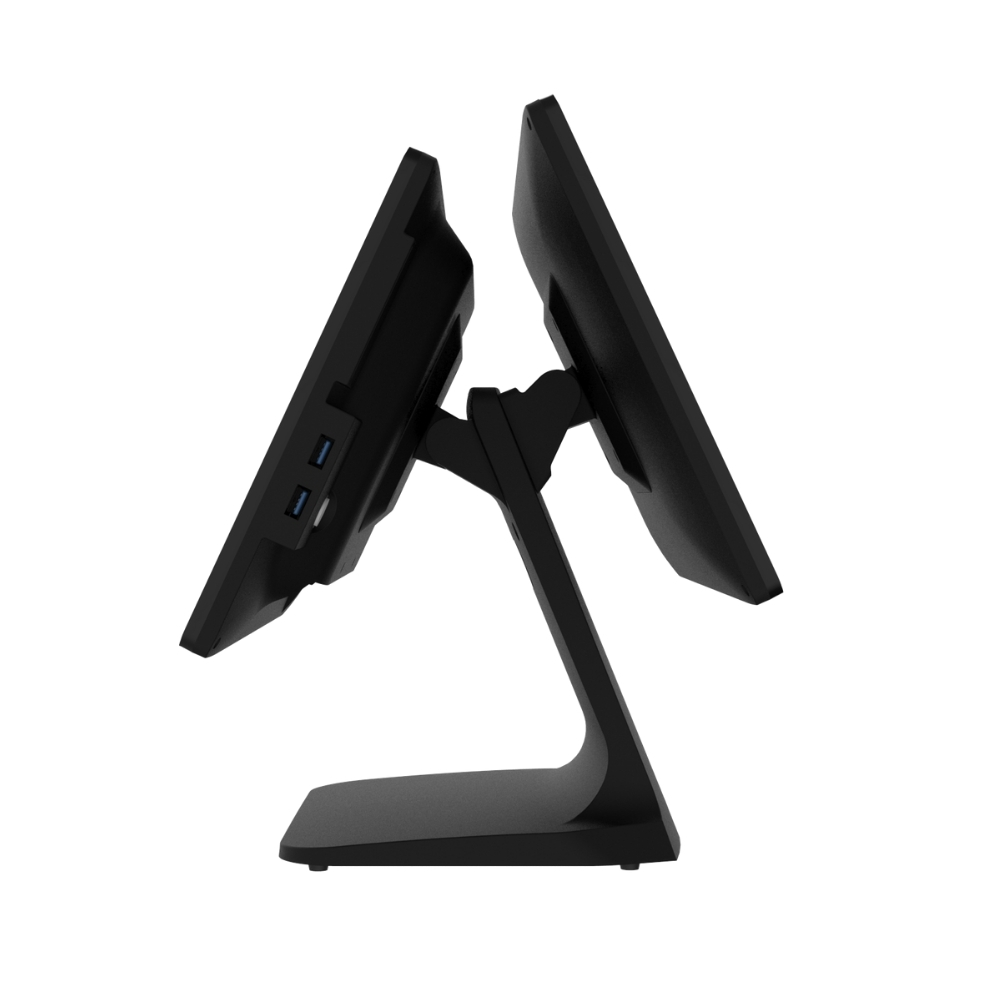
Running a business involves many daily tasks, from serving customers to managing stock and keeping sales records. When several customers are waiting for their bills, even a small delay can affect the overall shopping experience. A reliable touch POS machine can make these everyday tasks easier and help businesses manage billing more efficiently.
Today, many shop owners are moving towards digital billing because it saves time and keeps transaction records organised. Whether you operate a retail store, grocery shop, restaurant, bakery, or café, a touchscreen billing system can be a practical addition to your business.
What Makes a Touch POS Machine Useful?
Imagine a busy shop where customers arrive one after another. The cashier needs to find products, calculate prices, apply discounts, and prepare bills without making customers wait too long. Handling everything manually can become difficult, especially during peak hours.
A touch POS machine simplifies this process through an easy-to-use screen. Staff can select products, enter quantities, and generate bills with just a few taps. When connected to suitable billing software and a compatible receipt printer, the system can make checkout faster and more organised.
For business owners, this means less time spent on repetitive billing tasks and more time focusing on customers.
Benefits of a Touch Screen POS Billing Machine
1. Faster Checkout for Customers
Nobody likes standing in a long queue just to make a small purchase. A touch screen POS billing machine allows staff to select products directly from the screen instead of entering every detail manually.
This is particularly useful for supermarkets, retail counters, cafés, and other businesses that handle frequent transactions throughout the day.
2. Fewer Billing Mistakes
Manual calculations can sometimes result in incorrect totals or pricing errors. Billing software helps calculate the final amount automatically based on the entered products, prices, and configured taxes.
It also helps maintain digital transaction records, making it easier for business owners to review their sales whenever required.
3. Simple Sales and Stock Tracking
Knowing what sells well and which products need restocking is important for any business. Depending on the software, a touchscreen POS system can record product sales and update inventory information.
These records help shop owners understand their sales patterns, identify popular items, and make better purchasing decisions.
4. Easy Receipt Printing
A professional billing process should end with a clear receipt. A touch POS system can connect to a compatible thermal receipt printer, allowing staff to print bills quickly after completing a transaction.
Before purchasing a machine, check its printer compatibility and available connectivity options to ensure the equipment works with your existing setup.
Touch Billing Machine for Different Businesses
Every business has different billing requirements. The good thing about touchscreen POS systems is that they can be configured for different types of operations.
Retail and grocery shops: Shop owners can use a touch billing machine to manage product entries, calculate bills, and review sales. Barcode scanner support can make billing more convenient for stores with a large number of products.
Restaurants and cafés: Staff can enter customer orders, prepare bills, and work with compatible printers. Depending on the software, the system may also support table management and kitchen order printing.
Bakeries and food outlets: A touchscreen system can make it easier to select products, manage different prices, and handle multiple orders during busy hours.
Small businesses: For businesses moving away from handwritten bills, a digital POS system provides a more organised way to record transactions and maintain sales information.
Choosing the right system depends on your daily sales volume, product range, and the features your business actually needs.
How to Choose the Right Touch POS Machine
Buying a POS machine is an investment, so it is worth comparing a few important features before making a decision.
- Easy-to-use touchscreen: The screen should respond smoothly and allow staff to navigate the billing software comfortably.
- Suitable billing software: Check whether the software supports your products, pricing, tax settings, and reporting needs.
- Receipt printer compatibility: Make sure the machine can connect to the printer you plan to use.
- Connectivity options: Consider Wi-Fi, Bluetooth, USB, or Ethernet according to your business setup.
- Reliable performance: Choose hardware suitable for your daily transaction volume.
- Technical support: Warranty coverage and after-sales assistance are important if you depend on the machine for everyday billing.
It is also helpful to train employees before introducing a new system. Even a feature-rich POS machine delivers better results when staff know how to use it properly.
Why Consider Udyama POS?
Finding billing equipment that suits your business can take time, especially when you are comparing different devices and features. Udyama POS offers POS and printing solutions for businesses looking to improve their billing setup.
If you are searching for a touch POS machine, explore the available products and compare their screen size, operating system, printer compatibility, and software requirements. This will help you choose a solution that fits your business rather than paying for features you may never use.
