
Barcode Label Printer: How to Choose the Right Label Printing Machine
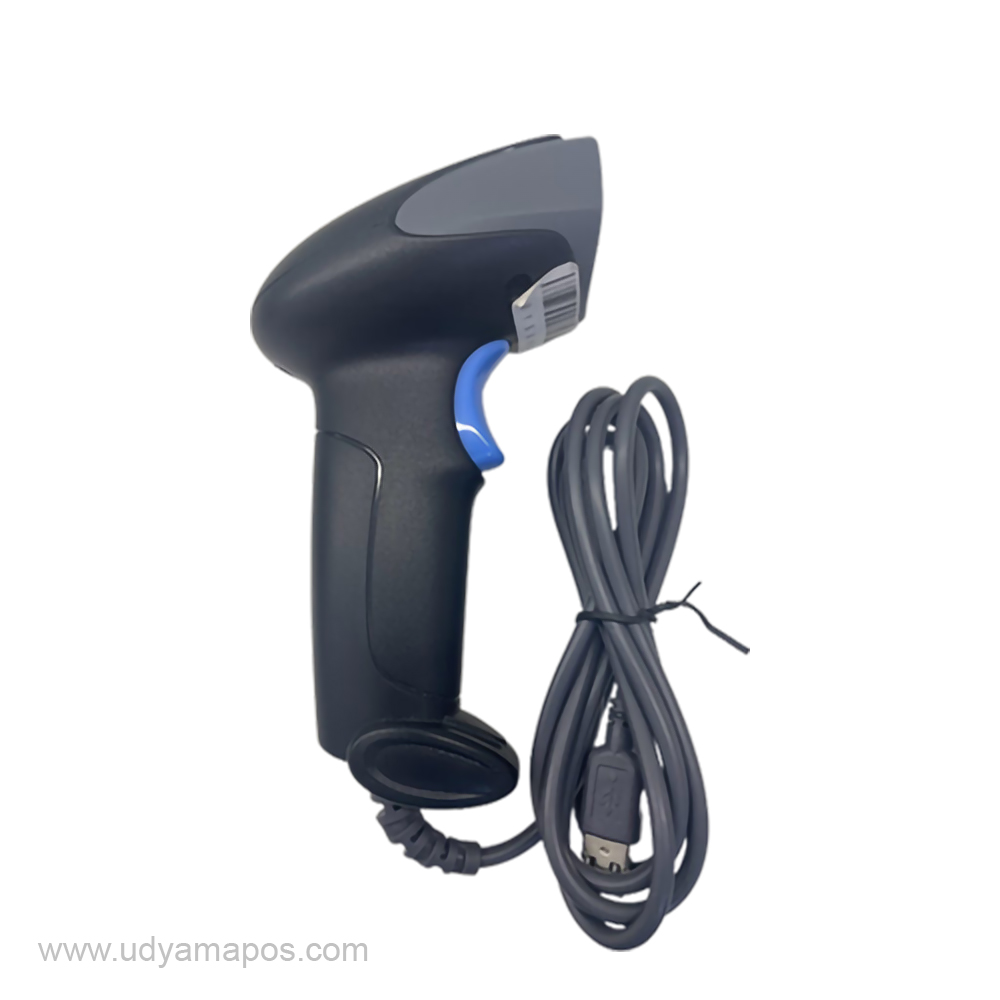
Running a small business means managing many things at once, from handling products and checking stock to preparing orders and serving customers. When product labelling becomes time-consuming, it can affect your daily workflow. A good barcode label printer can make this work easier by helping you print clear, professional labels whenever you need them.
Whether you own a retail shop, run an online store, or manage a warehouse, the right labelling equipment can help you keep products organised and reduce manual work. With different label printing machines available in the market, choosing one that matches your business needs is important.
In this guide, we will explain how barcode label printers work, where they are useful, and what you should consider before buying one.
What Is a Barcode Label Printer?
A barcode label printer is a machine used to print barcodes, product names, prices, and other information on adhesive labels. These labels can be attached to products, packaging, cartons, or storage shelves.
For example, a retail shop can use barcode labels to identify products during billing. An online seller can use them to organise inventory, while a warehouse can label boxes to make stock identification easier.
Instead of writing product information by hand, businesses can print consistent labels whenever required. When connected to compatible billing or inventory software, barcode printing can also become part of a more organised business process.
Why Do Businesses Need Label Printing Machines?
Product labelling may seem like a small task, but it becomes more demanding as a business grows. Printing labels manually can take time and lead to inconsistent information.
Here is how label printing machines can help.
1. Make inventory management easier
When products have clear barcode labels, staff can identify items more easily. With a compatible barcode scanner and inventory system, businesses can also record stock movements more efficiently.
2. Save time during daily operations
Printing multiple labels in one batch is often quicker than preparing them individually. This is particularly helpful for businesses that regularly receive new stock or process multiple customer orders.
3. Keep product information consistent
A label printer helps maintain a uniform format for product names, prices, and barcodes. Consistent labelling makes products easier to identify and helps keep shelves and storage areas organised.
4. Improve the customer experience
Clear product labels make it easier for staff to find the correct item and complete billing. This can be especially useful in busy retail stores and supermarkets.
5. Support business growth
As your product range expands, managing labels becomes more complicated. A suitable printing solution helps you handle growing labelling requirements without depending entirely on manual work.
How to Choose a Label Printer for Small Business
Every business has different requirements, so the most expensive printer is not necessarily the best choice. When selecting a label printer for small business use, consider the following factors.
Understand your printing needs
Start by identifying the labels you print most often. Do you need small barcode stickers, product labels, shipping labels, or inventory labels? Check that the printer supports your preferred label size and material.
Check printing quality
Barcode labels should be sharp and readable by compatible scanners. Consider the printer’s resolution and choose a model suitable for the size and detail of your labels.
Consider printing speed
If you print only a few labels each day, a basic model may be sufficient. However, businesses handling hundreds of labels may benefit from a printer designed for higher printing volumes.
Look at connectivity options
Check whether the printer supports USB, Bluetooth, or other connections required by your setup. Compatibility with your computer, mobile device, billing software, or inventory application is equally important.
Compare running costs
The purchase price is only one part of the total cost. Consider the price of label rolls, ribbons where required, maintenance, and other consumables before making your decision.
Choose a machine that is easy to use
A straightforward setup and easy label loading can save time, especially when several employees use the same printer. Good after-sales support is also worth considering.
Different Types of Barcode Label Printers
Understanding the main printing technologies can help you choose a suitable machine.
Direct thermal printers: These printers use heat-sensitive labels and do not require a ribbon. They are commonly used for shipping labels, receipts in some applications, and labels intended for shorter-term use.
Thermal transfer printers: These printers use a ribbon to transfer print onto the label material. They can be suitable for applications requiring longer-lasting labels, depending on the ribbon and label combination.
Portable label printers: Compact models are useful when employees need to print labels in different areas of a shop, warehouse, or workplace. Check their connectivity and label-size capabilities before purchasing.
The right choice depends on how often you print, the environment in which labels will be used, and how long those labels need to remain readable.
Which Businesses Can Benefit from Barcode Label Printing?
Barcode label printing is useful for many types of businesses.
- Retail shops: Print product identification labels and price labels to keep merchandise organised.
- Grocery stores: Manage product identification and support faster stock checks.
- E-commerce businesses: Organise products and prepare suitable labels for order fulfilment.
- Warehouses: Label cartons, storage locations, and inventory items.
- Manufacturing businesses: Identify products, batches, and packaged goods.
- Small businesses and startups: Create consistent labels without spending unnecessary time on manual preparation.
Even a small business with a limited number of products can benefit from a well-organised labelling process.
Find the Right Label Printing Solution with Udyama POS
Choosing a printer becomes easier when you understand your daily requirements. Before purchasing, compare the available models based on printing technology, label size, speed, connectivity, and compatibility with your existing software.
Udyama POS provides POS and printing solutions for businesses looking to improve their everyday operations. You can explore the available options and identify a machine that fits your product labelling and inventory needs.
